Small-Business Tools Worth Considering
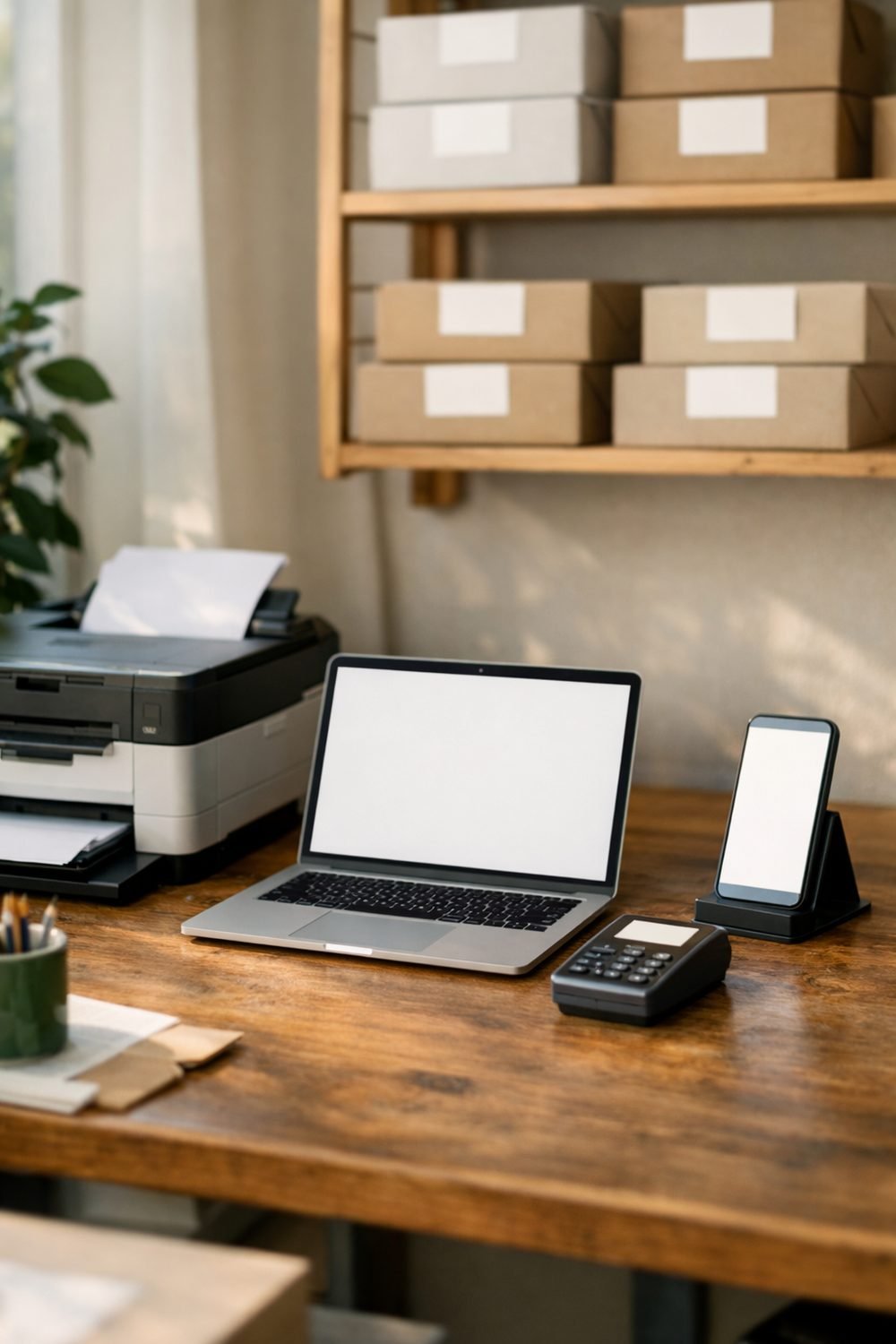
The right tools, like crm tools for small business, save you time. The wrong ones just add more stuff to manage. It's easy to learn this the hard way: sign up for four different apps in one week, get excited, and forget the passwords to half of them by the end of the month.
If you run a small business, even a tiny one from your kitchen table, you don't need a huge pile of software. You need a few simple small business tools that you'll actually use. This post walks through the ones I think are worth considering, with real examples and a few honest opinions about what you can skip.
Short on time? Our top picks: QuickBooks, FreshBooks, Wave and HubSpot CRM. See all picks
A Way to Track Your Income (Best Accounting for Small Business Starts Here)
This is the first one I'd set up, before anything else. If you don't know what's coming in and going out, every other decision feels like a guess.
You don't need fancy accounting software to start, and the best accounting for small business is often just a simple sheet you update. A spreadsheet works fine for a lot of small businesses. One simple file can work for a long time: date, client, amount, what it was for, and whether it was paid. That's it. Once a week, usually Sunday night with a cup of tea, I'd update it. It took about ten minutes.
A few things that make a tracker easier to stick with:
- Keep income and expenses on separate tabs so you're not scrolling forever.
- Add a "paid / not paid" column. You'll be surprised how often you forget who still owes you.
- Use the same category names every time, like "supplies" instead of "supplies" one week and "materials" the next.
If you'd rather not build one from scratch, the Budget Planner Calculator and Tracker Spreadsheet below this post is one option. It's set up already, so you can just start filling it in. But honestly, any tracker you open every week beats a perfect one you never touch.
One note: a tracker helps you stay organized, but it isn't tax advice. For questions about what you owe or what you can deduct, it's worth asking an accountant or tax professional.
A Place to Keep Your Invoices (Free Invoices for Small Business)
Early on, I wrote a brand new invoice every single time. Different layout, different wording, and sometimes even your own address gets left off. It looked messy, and it wasted time.
Try using one template. Copy it, then change the client name, the date, the items, and the total. Done. It looks professional and takes a couple of minutes.
A good invoice template should include your business name and contact details, the client's details, an invoice number, the date, a clear list of what you did or sold, the total, and how you'd like to be paid. Add your payment due date too. "Due in 14 days" is clearer than nothing at all.
Store your invoices in one folder, named in a way that makes sense to you. A simple format is the year, then the invoice number, then the client name. When someone emails asking about "that invoice from March," I can find it in seconds.
Plenty of apps for small business invoicing exist, such as FreshBooks or Wave, and some are nice. But if you only send a handful of invoices a month, a simple document template might be all you need for now. You can always switch later.
A Calendar You Actually Check
Many people keep deadlines in their heads, which works until a busy week hits. That went about as well as you'd expect. It's easy to miss a renewal date for something you're paying for, simply because you didn't write it down.
A calendar is boring, but it works. Use whatever you already have on your phone or computer, such as Google Calendar. The tool matters less than the habit of looking at it every morning.
Here's what I put in mine:
- Client deadlines, with a reminder a few days before
- Dates when invoices are due to be paid
- Bills and subscription renewals
- Tax-related dates (check the official dates for where you live)
- A weekly "money check" slot to update my tracker
That last one changed things for me. Giving yourself a set time each week to look at your numbers turns it from a chore you avoid into just another appointment.
Quick side note: if your workspace is cluttered, you might like the free Dollar-Store Organization Shopping List you get for joining our email list.
A Simple Website So Customers Can Find You
You don't need a big, expensive website. Really. What you need is a place where someone can learn what you do and how to contact you.
A basic site can be just one page. Mine started with a short "about me," a list of services, a few photos of my work, and a contact form. That was enough for people who heard about me through a friend to check that I was real and get in touch.
What I'd skip at the start: a blog you won't update, a fancy animated homepage, and paying for a dozen add-ons you don't understand yet. Keep it clean. Make sure your contact details are easy to spot and that the page looks okay on a phone, since that's where a lot of people will see it.
Website builders vary a lot in price and features, so check the seller's page for current details before you sign up. Some have free plans with limits, which can be a nice way to test things out.
An Email Tool for Updates and Follow-Ups with Clients
This one took me the longest to appreciate. For a while I thought email lists were only for big companies. Then I realized I was losing touch with past clients who might have hired me again if I'd just stayed in their inbox now and then.
An email tool like Mailchimp lets you send updates to people who've asked to hear from you. That could be a short note about a new service, a seasonal offer, or just a helpful tip. It doesn't have to be often. Once a month is plenty for most small businesses.
It's also handy for follow-ups. After a project ends, a quick "thanks, here's how to reach me if you need anything" message is friendly and keeps the door open.
Two honest tips. First, only email people who agreed to it. Second, don't overthink the design. Plain, friendly emails often feel more personal than glossy ones anyway.
A Backup for Your Important Files
This is the one people tend to skip until something goes wrong. A friend of mine lost a whole year of client records when her laptop died. She hadn't backed anything up. It took her weeks to piece things back together from old emails.
Backing up doesn't have to be hard. Pick at least two places to keep copies of your important files. That might be a cloud storage service plus an external drive, or two different cloud services. The idea is that if one fails, you still have the other.
Files I'd always back up:
- Your income and expense tracker
- All invoices and receipts
- Client contracts and agreements
- Your website login details (stored somewhere safe)
- Any templates you use often
Set a reminder in your calendar to do a backup once a week or once a month. Or turn on automatic backup if your storage tool offers it. Either way, future you will be grateful.
How to Choose the Best Business Software for Small Business
When you're comparing tools, it's easy to fall into the trap of reading review after review and never deciding. It's a common mistake. Hours gone, nothing chosen.
What helped me was writing down just a few things I cared about, like price, how easy it looked, and whether it did the one job I needed. Then I compared two or three options side by side, like the best app for small business needs, and picked one. If you like seeing things laid out that way, the Budget Planner Comparison Table Template Kit below this post can help you line up choices without making it complicated.
And remember, you can change your mind. Starting simple and switching later is much better than waiting forever for the perfect tool.
Our Top Picks for Small-Business Tools
These are well-known tools that cover the basics covered above. Pick one or two to start, not all of them at once.
QuickBooks
Suits small business owners who want dedicated accounting software once a spreadsheet starts to feel tight. Check which plan matches your needs, and ask an accountant if you're unsure what you require.
FreshBooks
A good fit for freelancers and service businesses that send invoices often. Look at how many clients and invoices each plan allows before you sign up.
Wave
Suits very small businesses and solo owners who want simple invoicing and bookkeeping. Check which features are included and which come with separate fees in your region.
HubSpot CRM
Suits owners who want to keep track of leads and client conversations in one place. Check how much you actually need, since a simple setup is easier to stick with.
Google Calendar
Suits anyone who wants reminders for deadlines, invoice dates and renewals across phone and computer. Check that notifications are turned on so reminders reach you in time.
Squarespace
Suits people who want a clean one-page or small site without touching code. Check the template look on a phone and what is included in the plan you pick.
Mailchimp
Suits owners who want to send occasional updates and follow-ups to people who agreed to hear from them. Check list size limits and which features sit behind paid plans.
Dropbox
Suits those who want cloud storage for invoices, contracts and templates. Check storage limits and whether automatic backup is available, and still keep a second copy elsewhere.
Please check current plans and prices on each brand's own site before you decide.
FAQ
Do I need to pay for all these tools?
Not necessarily. Many people start with free or low-cost options like spreadsheets, basic calendars, and free plans from website or email services. Check each seller's page for current pricing and limits before you commit.
Which tool should I set up first?
Start with a way to track your income and expenses. Once you can see your numbers clearly, it's easier to decide what else is worth adding.
Is a spreadsheet good enough, or do I need accounting software?
For many small businesses, a spreadsheet works well, especially early on. If your business grows or your finances get more complex, it may be worth talking to an accountant about whether other software makes sense for you.
How often should I back up my files?
Weekly is a good habit if you're updating files often. If things change less, monthly can work. Automatic backups are the easiest option if your storage tool offers them.
Summary
You don't need a stack of complicated apps to run a small business well. A tracker for your money, a reusable invoice template, a calendar you check, a simple website, an email tool, and a solid backup will cover most of what you need. Start with one or two, build the habit, then add more when it feels right.
If you'd like a small next step today, grab the free Dollar-Store Organization Shopping List by joining the email list. Then, if a ready-made tracker or comparison table sounds useful, take a look at the products below this post and see if one fits how you work.
Printables and tools that can help
Budget Planner Calculator and Tracker Spreadsheet
A spreadsheet with a summary page and a calculator for tracking budget lines you enter...
See detailsBudget Planner Comparison Table Template Kit
A tool that writes copy-and-paste comparison tables and deal boxes for your own review...
See details