Meal Budget Planning Without the Overwhelm (No App Needed)

Meal budget planning does not have to mean a complicated spreadsheet or a budget planning app. This post walks through a few simple steps: check the pantry first, plan five dinners instead of seven, write a shopping list and use it, compare prices by unit, cook once and eat twice, and keep track of what you spend each week.
Meal budget planning starts with knowing what you already have. That sounds almost too simple, but it's the step most of us skip. Many people walk into the grocery store with a vague idea of "food for the week" and leave with a cart full of items that don't add up to a single complete meal. Then I'd order takeout on Wednesday because nothing at home went together.
If that sounds familiar, you're not bad with money. You just don't have a system yet. The good news is that a simple one works better than a fancy one. Here's the way I do it now, step by step, with the parts I think are worth your time and the parts I'd skip.
Short on time? Our top picks: Mealime, Paprika Recipe Manager, Google Keep and AnyList. See all picks
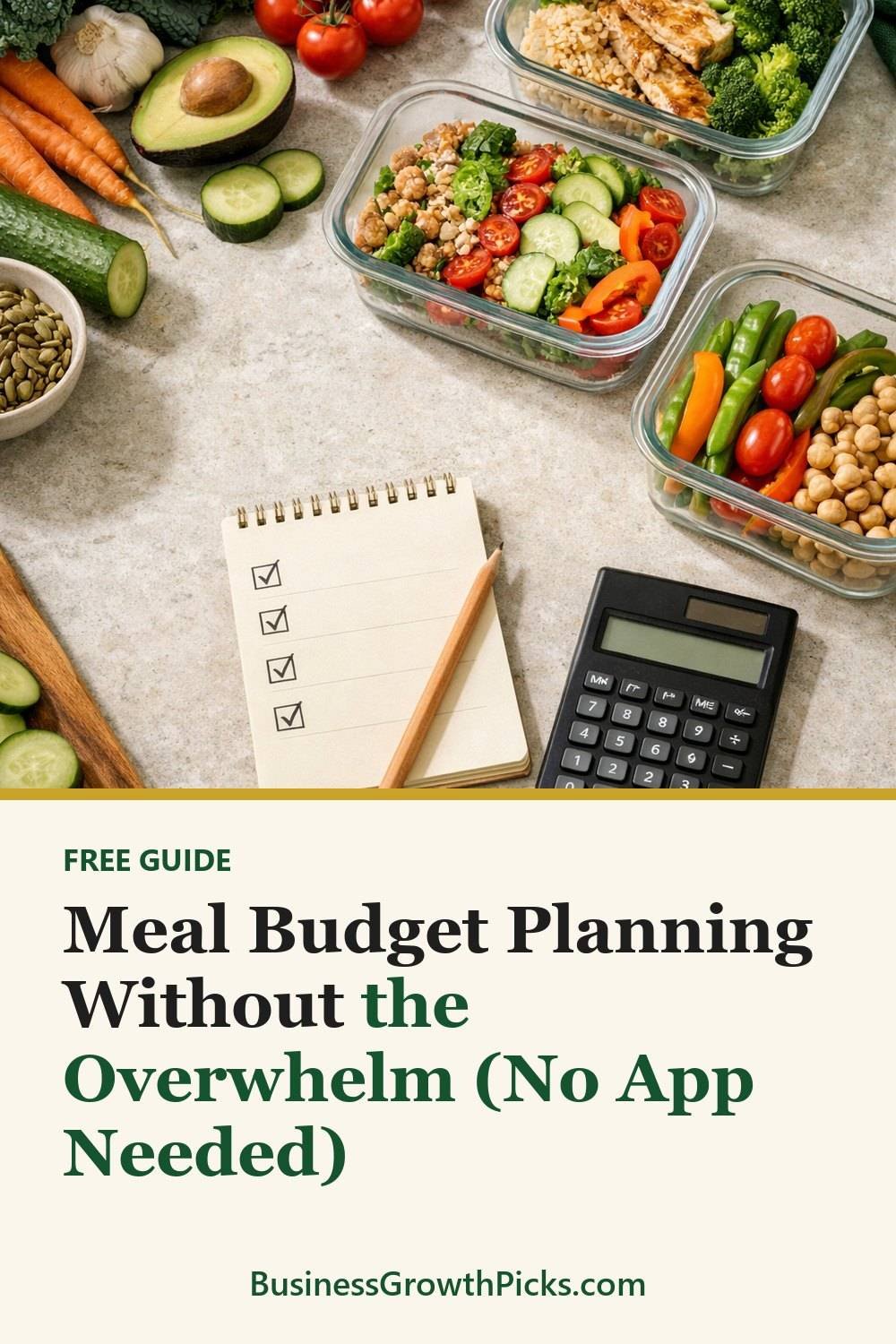
Check the pantry first
Before you plan anything, open your cupboards, fridge and freezer. Really look. Pull things forward from the back. It's common to find a few cans of black beans, half a bag of rice and a forgotten bag of frozen corn. That's most of a burrito bowl, and I almost bought all of it again.
You don't need a detailed inventory spreadsheet. A quick note on your phone, in an app like Google Keep, works fine. Write down:
- Proteins you have (frozen chicken, eggs, canned tuna, beans)
- Grains and starches (pasta, rice, potatoes, tortillas)
- Produce that needs to be used soon
- Sauces or spices that could pull a meal together
Pay special attention to anything close to going bad. That wilting spinach or those soft tomatoes should be part of this week's plan, not next week's trash.
Meal budget planning: five dinners, not seven
This is the tip that changed things the most for me. If you try to plan every single night, it's common to fall apart by Thursday. Someone would get invited out, or I'd be too tired, or we'd still have a pile of leftovers. Then the food bought for those nights tends to just sit there.
Now I plan five dinners and leave two nights open. One open night is usually leftovers. The other is for whatever comes up. Sometimes it's breakfast for dinner. Sometimes it's a "clean out the fridge" night where everyone makes their own plate.
When you pick your five meals, start with what you found in the pantry. Then fill gaps. A plan for a week might look like this:
- Monday: Burrito bowls with the rice, beans and corn you already have
- Tuesday: Pasta with a simple tomato sauce and whatever veggies need using
- Wednesday: Sheet pan chicken and potatoes
- Thursday: Leftover chicken in wraps or a salad
- Friday: Eggs, toast and fruit, or homemade pizza
Notice that Thursday leans on Wednesday. That's on purpose, and I'll come back to it.
Write a shopping list (and actually use it)
Once your meals are set, list only what you're missing, much like a simple budget planning worksheet for the grocery store. Group items by store section so you're not zigzagging back to produce three times. It saves time, and honestly it saves money too, because the fewer aisles you wander, the fewer things jump into your cart.
Here's my honest take: the list only works if you treat it like a promise to yourself. You can allow yourself one "fun" item per trip. Just one. That way I don't feel deprived, and I don't end up with five snack bags I didn't plan for.
If you like keeping your lists and household stuff tidy, I put together a Free Dollar-Store Organization Shopping List that you can grab by joining the email list on this page.
A few small habits help the list stick:
- Eat before you shop. Hungry shopping is expensive shopping.
- Keep the list on your phone, in an app like AnyList, so you can't "forget it at home."
- Cross things off as you go. It's oddly satisfying.
Compare prices by unit, not by sticker
The big box of cereal isn't always cheaper. Neither is the "family size" anything. The way to know is the unit price, which is the cost per ounce, per pound or per item. Most store shelf tags show it in small print near the main price. If yours doesn't, your phone calculator can do it in a few seconds.
Here's an example of how to think about it. Say one jar of peanut butter is bigger and costs more than a smaller jar. Divide each price by the number of ounces. Whichever number is lower is the better deal per ounce. Sometimes the small jar wins, especially when it's on sale.
One thing I'd skip: buying in bulk just because the unit price is lower. If you won't finish that giant bag of something before it goes stale, it's not a deal. It's a slower way to throw money away.
Store brands are also worth a try. Some I like more than the name brands. Others I don't. Test one item at a time and keep what works for your family.

Cook once, eat twice
Leftovers get a bad reputation, but planned leftovers are different from random ones. When you cook with a second meal in mind, you save money and a whole evening of effort.
A few ways I do this:
- Roast a bigger batch of chicken, then use the rest in wraps, soup or fried rice.
- Make a double pot of chili. Eat half, freeze half for a busy week.
- Cook extra rice on Monday. It's great for fried rice later in the week.
The trick is to change the meal a little so it doesn't feel like a repeat. Taco meat on Tuesday can become a baked potato topping on Thursday. Nobody at my table has complained yet.
The freezer is where this approach either works or falls apart. Label everything with what it is and the date. A mystery container is a container nobody wants to open.
Track what you spend each week without a budget planning app
You don't need a budget planning app with charts and alerts. A weekly total is enough, and a basic budget planning tool like a notebook page does the job. Write down what you spent on groceries, plus any takeout or quick stops for "just milk" that somehow turned into twenty items.
After a month, patterns show up. Maybe you spend more on weeks when you skip planning. Maybe Friday takeout is a bigger chunk than you thought. You can't fix what you can't see, and seeing it is often enough to make small changes on its own.
If you use coupons or store apps, keeping track of those savings in the same place helps a lot. The Coupon and Savings Tracker below this post is one simple way to keep everything on one page, if you like having it written down. A notebook works too. Use whatever you'll actually open.
Keep your meal budget planning small when life gets busy
Some weeks, you won't plan. That's normal. On those weeks, I fall back on a "bare minimum" plan: two easy meals, eggs, bread, a bag of frozen veggies and something for lunches. It's not exciting, but it keeps me out of the drive-thru most nights.
Perfection isn't the goal. A plan that works most weeks beats a perfect plan you give up on after two.
Tools worth a look for meal budget planning
You can do all of this with a notebook, but a few tools make planning and tracking easier if you like them. Here are some well-known options and what to check before choosing.
Mealime
A meal planning app that suits people who want help turning a few dinners into a shopping list. Check whether its recipes fit your family's tastes and any dietary needs.
Paprika Recipe Manager
Suits people who already have a pile of favorite recipes and want them in one place with grocery lists. Check which devices you use, since apps may be sold separately for each one.
Google Keep
A simple notes and checklist app that works well for pantry notes and shopping lists. Check that sharing is set up if more than one person shops.
AnyList
A shared grocery list app that suits households where several people add items. Check which features are free and which need a paid plan.
Flipp
An app for browsing local store flyers, handy if you build meals around what is on sale. Check that your regular stores are included in your area.
Ibotta
A cash back app that suits shoppers who don't mind scanning receipts or linking store accounts. Check the rules for each offer, and don't buy things just to chase a rebate.
Everydollar
A budgeting app that suits people who want a separate groceries line in a monthly plan. Check which features need a paid version before you commit.
Check current plans and prices on each brand's own site before you sign up.
FAQ
How much should I spend on groceries each week?
There's no single right number, because it depends on your household, where you live and your own finances. The best starting point is to track what you spend now for a few weeks. If you need help setting a real budget, a financial professional can look at your full picture.
What if my family is picky?
Pick meals with parts people can build themselves, like tacos, rice bowls or pasta with toppings on the side. That way one base meal works for everyone. Let each person choose one dinner a week so they feel included.
Is meal planning worth it if I live alone?
Yes, maybe even more so. Cooking for one makes it easy to waste food, so planning helps you use up what you buy. Cook-once-eat-twice and freezing single portions work really well here.
Do I need a financial planning app or special tools?
Not at all. You can skip the best budget tracking app lists for now, because a notes app or a piece of paper on the fridge is plenty. Tools can help if you enjoy them, but the habit matters more than the tool.
Summary
Meal budget planning doesn't have to be a big project. Check what you have, plan five dinners, shop from a list, compare unit prices, cook with leftovers in mind and keep an eye on your weekly total. Do those things most weeks and your grocery trips will feel a lot calmer.
If you want a simple place to start, grab the free Dollar-Store Organization Shopping List by joining the email list. Then, if it fits what you need, take a look at the Coupon and Savings Tracker and the Dollar-Store Organization Ideas and Shopping List below this post. Start small this week. Just open the pantry and see what's hiding back there.
Printables and tools that can help
Coupon and Savings Tracker
A printable coupon log and weekly shopping log to write down what you planned and what you...
See detailsDollar-Store Organization Ideas and Shopping List
Room-by-room organization ideas and a shopping list to plan low-cost storage before you...
See details