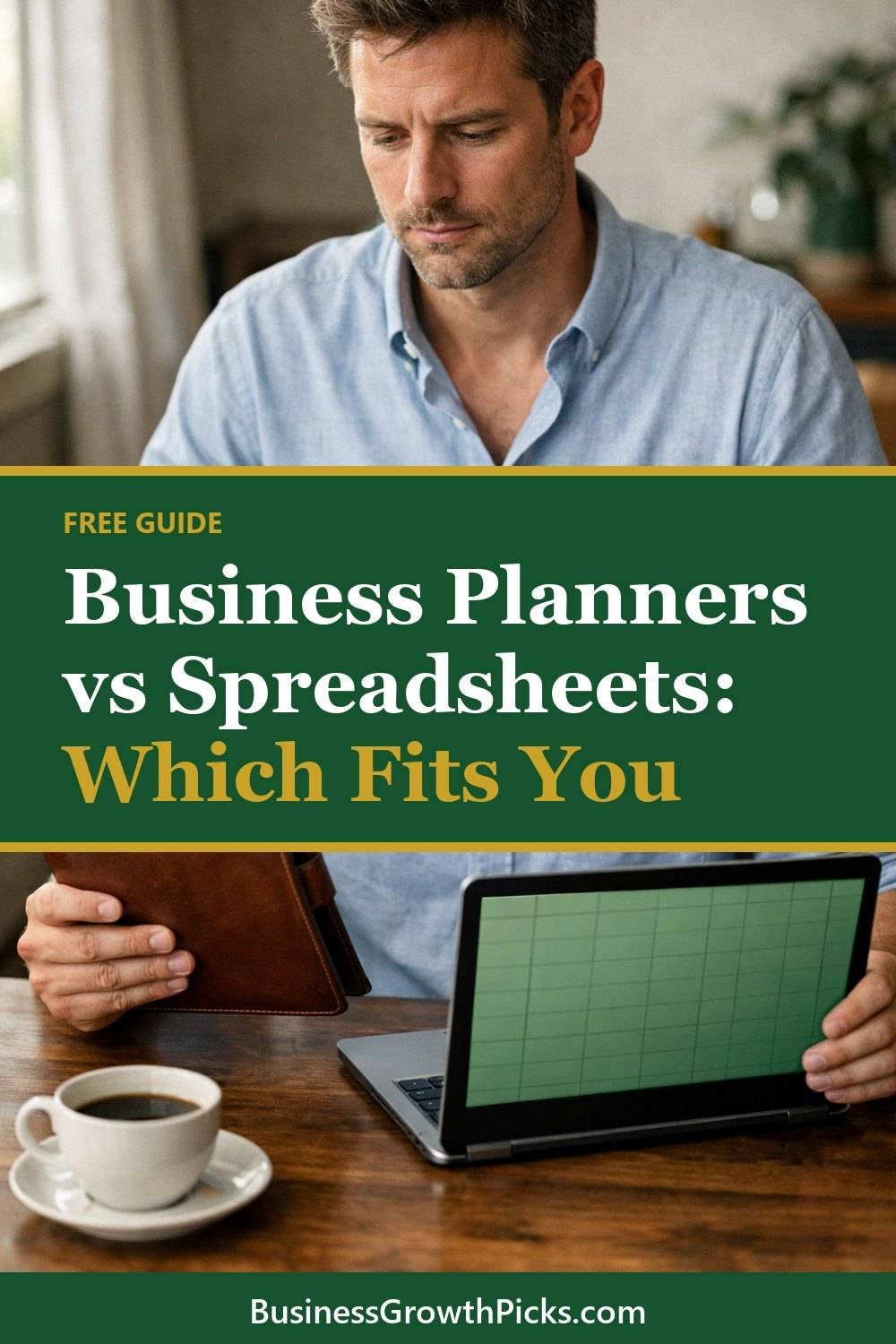
Business Planners vs Spreadsheets: Which Fits You

Choosing between business planners and a spreadsheet comes down to how you work, where you work and whether you need to share your numbers. This post compares both options so you can pick one system and stick with it.
Both a planner and a free expenses spreadsheet work. Honestly, they do. The right choice is the one you'll actually open every week, not the one that looks best on someone else's desk.
Choosing between a planner and a spreadsheet is a decision many people go back and forth on. A gorgeous planner can sit untouched for a month, and a spreadsheet can get so fancy that you become scared to type in it. So this post isn't about which tool is "better." It's about figuring out which one fits the way you already work, so you stop starting over every January.
Let's go through the real differences, with a few examples of how messy attempts can go.
Short on time? Our top picks: Google Sheets, Microsoft Excel, Notion and Airtable. See all picks

When paper works
If you like to write things by hand, a printed planner is hard to ignore. It sits on your desk. It's right there next to your coffee. You don't need to log in, find a file, or wait for anything to load.
For a lot of people, writing also helps things stick. Many people remember a task like "send invoice to Maria Thursday" better when they jot it down with a pen than when they type it. The reason isn't always clear. It just works that way for me.
Paper is a good fit, and business planners such as a Moleskine suit you well, if:
- You mostly work at one desk or table
- Your income and expenses are fairly simple, with a handful of clients or sales a month
- You enjoy the ritual of sitting down on a Sunday and planning the week
- Screens already eat up most of your day and you want a break from them
The downside? Paper doesn't add up numbers for you. If you have forty small transactions a month, you'll be doing a lot of calculator work. And if the planner gets left at home, so does your plan.
One thing I'd skip: buying a big, expensive planner before you know you'll use it. Print a few pages first and see if you keep coming back to them.
When a monthly expenses spreadsheet works
In a free budget spreadsheet, formulas do the maths for you. That's the big win. Type in a sale, and your monthly total updates. Add an expense, and you can see what's left without lifting a pencil.
Spreadsheets shine when you have lots of small numbers. Think of someone selling on a craft site with dozens of orders, or a freelancer tracking hours across several projects. Doing that by hand gets old fast.
They're also easy to search. Last spring I needed to find what I'd spent on printer ink over the year. In a spreadsheet, that took about ten seconds. In a paper notebook, it can take an afternoon of flipping pages and squinting at your own handwriting.
That said, I think people overdo spreadsheets. You don't need color-coded tabs, pivot tables and a dashboard on day one. A simple personal budget spreadsheet with dates, what it was, and the amount will carry you a long way. If you'd rather not build it yourself, the Budget Planner Calculator and Tracker Spreadsheet below this post is already set up with the basic formulas, so you can just start filling it in.
Business planners vs spreadsheets: think about where you work
This one matters more than people think. Picture a normal Tuesday. Where are you?
If you're at the same desk every day, paper is easy. It just lives there. But if you're bouncing between a coffee shop, a client's office and your kitchen table, a planner becomes one more thing to carry. And things you have to carry tend to get forgotten.
Then there's the phone question. Most spreadsheet apps work on a phone, but they're a bit fiddly on a small screen. You can add a quick expense on your phone while you're still standing at the shop counter. Doing anything bigger, like reviewing a whole month, I wait until I'm on my laptop.
So ask yourself:
- Where am I when I spend money or get paid?
- Where am I when I have ten quiet minutes to plan?
- Do I want to update things in the moment, or in one sitting at the end of the week?
Your answers usually point pretty clearly in one direction.
Quick side note while we're talking about getting organized: if your desk drawers are as chaotic as mine were, you can grab my free Dollar-Store Organization Shopping List by joining the email list in the box on this page.
Sharing your financial planning spreadsheet
Spreadsheets, like those made in Google Sheets, are easier to share with a bookkeeper, an accountant or a business partner. You send a file, and they can see everything, sort it, and copy numbers into their own tools.
With paper, sharing means scanning pages or handing over a notebook. Some bookkeepers are fine with that. Plenty would rather not. If you already work with someone, just ask what they'd prefer. It's a two-minute conversation that can save you a lot of retyping later.
If you work alone and nobody else ever looks at your records, this point matters less. Still, think ahead a little. When tax time comes, you'll want your numbers in a form that's easy to pull together. For anything about what records you need to keep, please check with a tax professional, since the rules depend on where you live and how your business is set up.
Try both briefly
A week with each shows your preference faster than any amount of reading about it.
Here's what I'd do. Spend one week tracking everything on paper. Every sale, every expense, every task. Then spend the next week doing the same thing in a simple spreadsheet. Don't make either one fancy.
At the end of the two weeks, notice which one you skipped. That's your answer. The tool you avoided isn't the right one, no matter how nice it looked.
When I did this, I was surprised. You might assume you're a paper person. Turns out I loved paper for planning my week and hated it for money. That leads to the next point.
Mixing them on purpose
Some people land on a mix, and that's fine as long as each tool has one clear job. For example, a paper planner for tasks and goals, and a spreadsheet for every dollar in and out. The Freelancer Finance Planner and Checklist Bundle below this post leans toward the planning side, with checklists you can print and keep near your desk.
Keep one system
Don't split records across many places. This is the mistake I see most, and I've made it myself.
You write some expenses in a notebook. Others go in a note on your phone. A few are in a spreadsheet. Some receipts are in your wallet, a few in the car. Then at the end of the month, nothing matches and you can't remember what that $14 charge was.
Pick one home for each kind of information and stick to it. Money goes in one place, like a household expenses spreadsheet. Tasks go in one place. If they're the same place, great. If not, at least you know exactly where to look.
It's also okay to switch systems. Just do it cleanly. Move everything over, pick a start date, and stop using the old one. Half-switching is how records get lost.
Tools worth a look
Whichever way you lean, a few well-known tools can make the habit easier to keep. Here are some that fit the paper, spreadsheet and in-between camps.
Google Sheets
A free, browser-based spreadsheet that suits anyone who wants to build a simple expense tracker without buying software. It also works well for sharing with a bookkeeper. Check how comfortable you are with it on a phone before relying on it for quick entries.
Microsoft Excel
A good fit if you already use Microsoft 365 or want more advanced formulas and reporting. Many accountants are happy to receive Excel files. Check whether your current plan includes it before signing up for anything new.
Notion
Suits people who want tasks, notes and simple tables in one place. It can bridge the gap between a planner and a spreadsheet. Check that its table tools are enough for your number-heavy needs, since it is not built as a spreadsheet first.
Airtable
A database-style tool that feels like a spreadsheet and suits people tracking projects, clients or orders. Check how the free and paid tiers differ before you build a lot inside it.
Moleskine
A well-known maker of notebooks and planners for people who like a sturdy, good-looking paper option. Check the layout (weekly, daily, ruled or dotted) so it matches how you plan.
Erin Condren
Known for customizable paper planners, which suits people who enjoy the ritual of planning by hand. Check the page layout and size, and whether you will really carry it around.
QuickBooks
Accounting software for small businesses that have outgrown a basic spreadsheet. It suits those who want invoicing and bookkeeping in one place. Check with your accountant first, and compare plans against what you actually need.
Check current plans and prices on each brand's own site before you choose.
FAQ
Is a spreadsheet more accurate than a paper planner?
Not on its own. A spreadsheet adds things up correctly, but it can only work with what you type in. If you forget to record an expense, neither tool will catch it for you.
Do I need special software for creating a budget spreadsheet?
No. There is free business software for spreadsheets that works in a web browser and on a phone. Use whatever you already have and feel comfortable with, such as Google Sheets or Microsoft Excel.
How often should I update my records?
Once a week works well for most small businesses I know. Daily is even easier if you can manage it, since it only takes a minute or two. Waiting a whole month is where things get messy.
Can I print a spreadsheet and use it like a planner?
Yes, and some people love this. You get the clean layout of a spreadsheet with the feel of paper. Just remember the formulas won't work on the printed copy, so you'll still need to add things up by hand.
The short version
Paper is great if you like writing, work in one spot, and keep things simple. Spreadsheets win when you have lots of numbers, move around, or share with a bookkeeper. Try each one for a week, notice which one you avoid, and keep everything in one system once you choose.
If you want a small, easy first step, join the email list to get the free Dollar-Store Organization Shopping List and tidy up your workspace. Then take a look at the Budget Planner Calculator and Tracker Spreadsheet and the Freelancer Finance Planner and Checklist Bundle below this post, and pick whichever matches what you learned about yourself here.
Printables and tools that can help
Freelancer Finance Planner and Checklist Bundle
A printable bundle with a 30-day goal page, weekly planner and setup checklists for separating and tracking...
See detailsBudget Planner Calculator and Tracker Spreadsheet
A spreadsheet with a summary page and a calculator for tracking budget lines you enter...
See details